From finding the tender to sending the bid
In the order you do the work. All of it is built and running today, and every figure on this page says where it came from. Watch it in 90 seconds, the two-minute walkthrough, or a short one on each part.
BidCaliper in 90 seconds
Everything on this page, at a glance, with the words on screen so it works with the sound off. Regarder en français
See each part in about a minute
Each one walks through a part of BidCaliper on the same sample company, with the words on screen so it works with the sound off.
Every tender checked for your company, why each one is where it is, and what still needs you.
Your part of the tender, a draft bid priced item by item, and making it your estimate.
A bid priced anywhere, checked against the tender and set beside what we would price it at.
Projects months before they are tendered, and who is building them.
Every open tender, in one list, every six hours
We held 2,094 open public tenders as of 20 October 2026: every federal notice, every Québec public body, including municipalities, health authorities, school boards and transport, and the City of Toronto’s and the Government of Yukon’s open tenders.
For sites whose terms don’t let us copy them, like MERX and Bids&Tenders, forward the notice to your company’s own address and it is added for you. It stays inside your company.

 BidCaliperOpportunitiesWhat's comingAdd a tenderCompanyDecision recordYOUR COMPANY
An illustration of the Opportunities screen. The tenders and figures are examples, not a customer's.
Clear to bid, worth a look, and not open to you. The ones not open to you sit behind a count.
If a source misses an update, the screen tells you. You are never shown yesterday’s list as if it were today’s.
Only for tenders that are clear to bid or worth a look. Never for the ones that were already there when you signed up. You can turn it off.
Projects months before they are tendered
Development applications and building permits from city open data: a new school, a warehouse, a 60-unit apartment block, from its rezoning or site plan onward, with roughly what it is worth once it is permitted and which builder and designer are on it. Get in front of the builder before your part goes out to bid.
- Applications and permits from 29 cities and regions in eight provinces, from Vancouver to Saint John (York Region's nine municipalities among them), plus British Columbia's, Manitoba's and Québec's provincial project lists, read every six hours
- Rezonings, site plans and development permits at the planning stage, then permit applications and permits issued
- The busiest builders and designers in each city
- Only company names, never a person's, and every city's licence credited
A permit says a project is going ahead. It does not mean anyone will invite bids for your part.
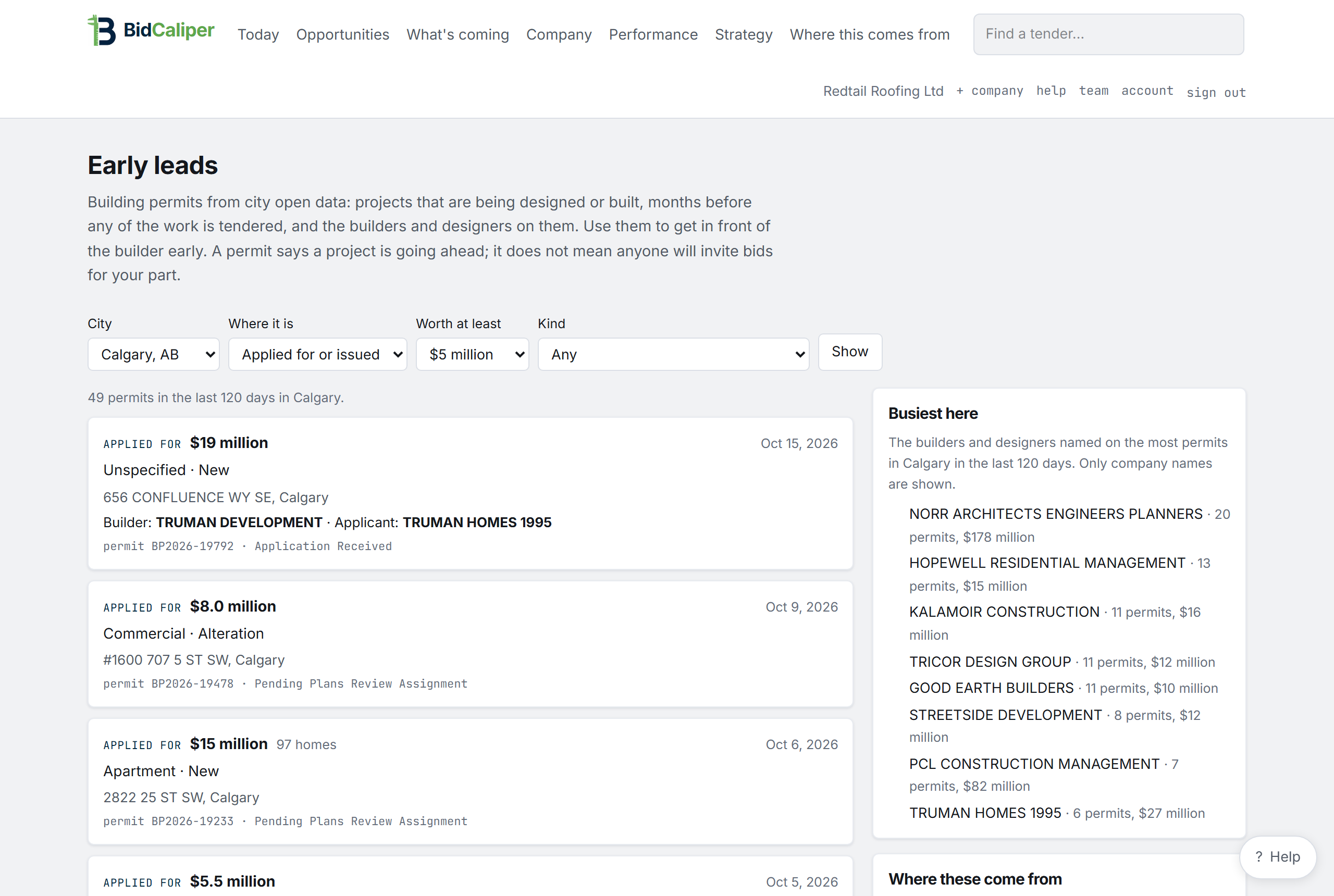
Forward what you are sent, and it becomes a tender
Your company gets its own email address. Forward a general contractor’s invitation to bid, a notice from MERX, Bids&Tenders or any site you use, or an addendum. It becomes a tender here with its attachments, read for what it requires and whether you can win it.
- An email about a tender you already have is added to that tender, not made into a new one
- Each tender can have its own address too, for the buyer's addenda
- Keep using the tender services you already pay for: BidCaliper does the work after
Everything that can disqualify a bid, checked first
A keyword search matches words. BidCaliper reads what the work is, then checks the things that decide whether you can bid it. It quotes the sentence behind every one.
BidCaliperOpportunitiesWhat's comingAdd a tenderCompanyDecision recordYOUR COMPANYTwo requirements fail and one needs a decision. Everything else passes. It is still worth reading. It shows which two things stand between you and the work.
An illustration of a tender and its requirement checks. The tender, the clauses and the figures are examples, not a customer's.
We read what the job is before any keyword. How the buyer filed the notice counts for less than what they wrote. Filing alone can make a tender worth a look, never clear to bid.
Road kilometres from your yard, compared with the radius you set. Provincial borders don't decide it: Kenora is closer to Winnipeg than Dauphin is.
COR and SECOR against Manitoba's $100,000 threshold, plus anything the document itself asks for. A clause that accepts COR or SECOR counts as one requirement.
Compared with the single-job limit your surety has given you. If you can't post the bond you can't bid, so the tender is marked not open to you.
Closings, question deadlines, registration and mandatory site visits. Miss a mandatory site visit and you can't bid, whatever the closing date says.
Insurance limits, liquidated damages, holdback, bid validity, prime-contractor designation, subcontractor lists, safety plans.
A blank field never hides work from you
When something is unknown, the answer is “worth a look” and never “no”. It tells you what it needs to know, and usually you can answer in one click.
It asks the question that opens up the most work first. It remembers your answer and re-checks every tender that was waiting on it. It never asks the same question twice.
- If it is unclear, it is “worth a look”, never “clear to bid”
- Every answer is dated and can be changed later
- “Not sure” is a real answer. It is saved, and nothing is guessed from it
BidCaliperOpportunitiesWhat's comingAdd a tenderCompanyDecision recordYOUR COMPANYFourteen open tenders are waiting on this. Until you answer, they stay in “worth a look”. A blank field is never treated as a no.
“Not sure” is a real answer and is saved as one. It is never asked again, and nothing is guessed from it.
An illustration of the question card. The count and the figures are examples.
What an hour of your crew actually costs
Almost no tender notice says what the contract is worth: none of 950 federal notices, and 2% of 291 Québec ones. So the number that matters is your own.
It uses your wages, labour burden, overhead and the hours your crew does not bill. Setting it up is three questions. Every figure says whether it came from you or from a default.
BidCaliperOpportunitiesWhat's comingAdd a tenderCompanyDecision recordYOUR COMPANYAn illustration of the cost breakdown. The figures are an example. Yours are built from your own numbers.
Before building this, we simulated 20,000 versions of a ten-person Manitoba mechanical shop to find out which numbers move an hourly cost and which barely matter. One input, how much of a paid week your crew bills, carried 54.8% of the swing on its own. That is why it is asked first. With no answers the model sits about 9.7% away from one with every answer. With the top three answered, about 2.1%.
Those two percentages compare the model against itself across simulated companies. They show which questions are worth asking. They do not measure accuracy against any real company’s books.
It will not tell you what to bid. We built recommended price bands and measured them against 33 Manitoba construction awards, which turned out to span a 6.2x range nationally. There is not enough public data to recommend a price, so we removed the feature.
From the tender’s own pages to a price and a letter
On a building tender, BidCaliper sorts the specification into the sections that are yours, the ones where you meet another trade, and the ones not in your price. Then a draft bid prices your part item by item, and the quote letter to the general contractor writes itself from your estimate.
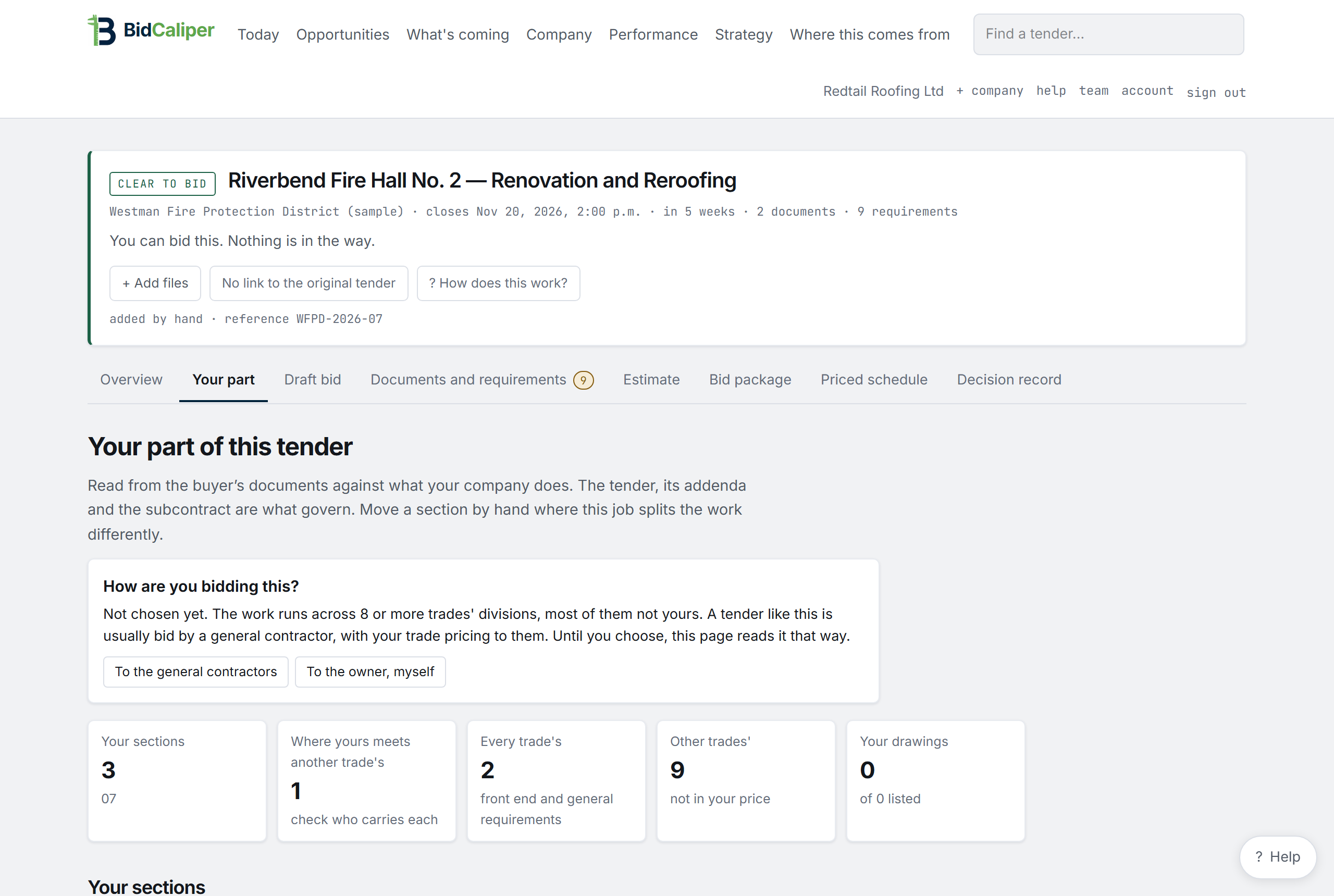
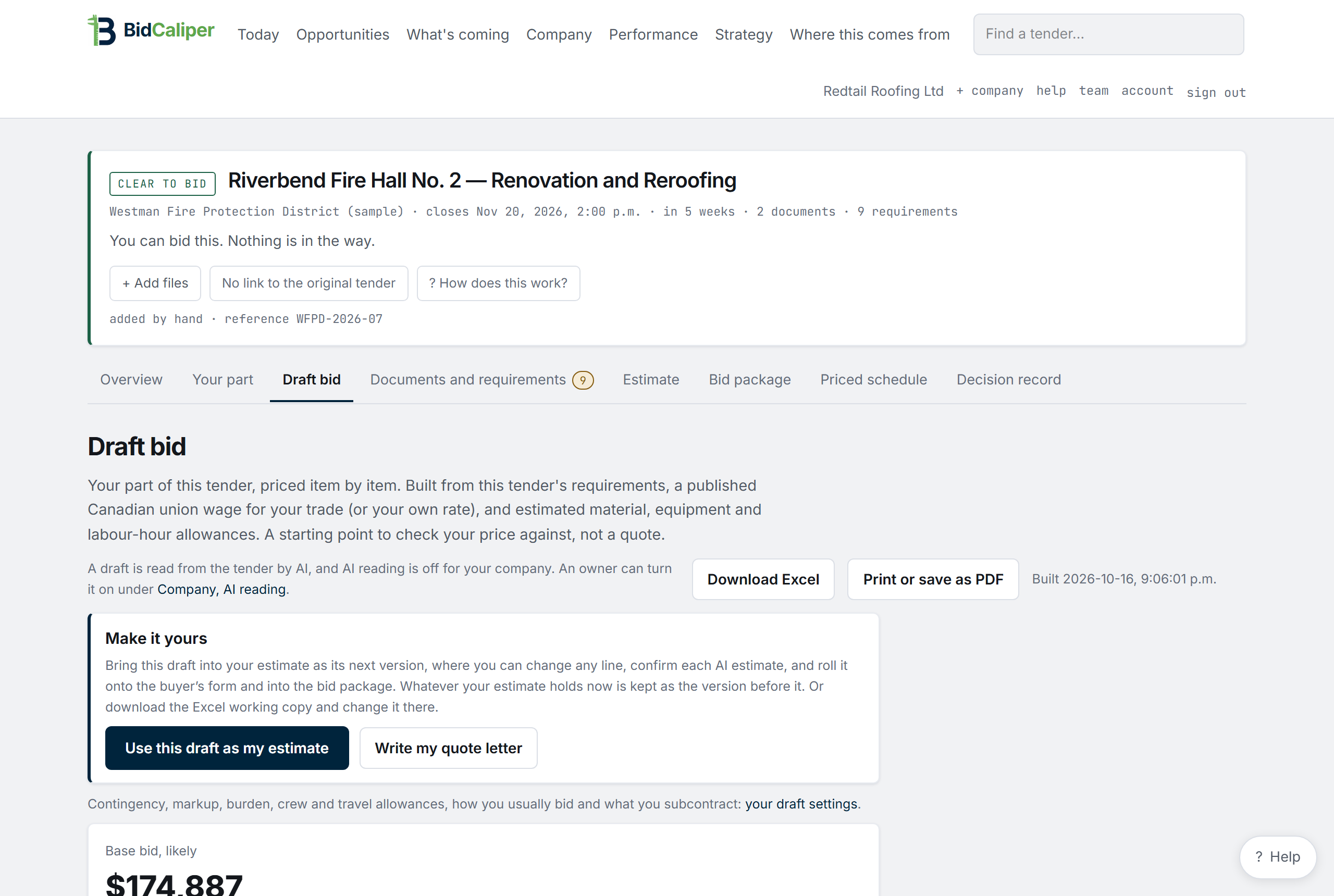
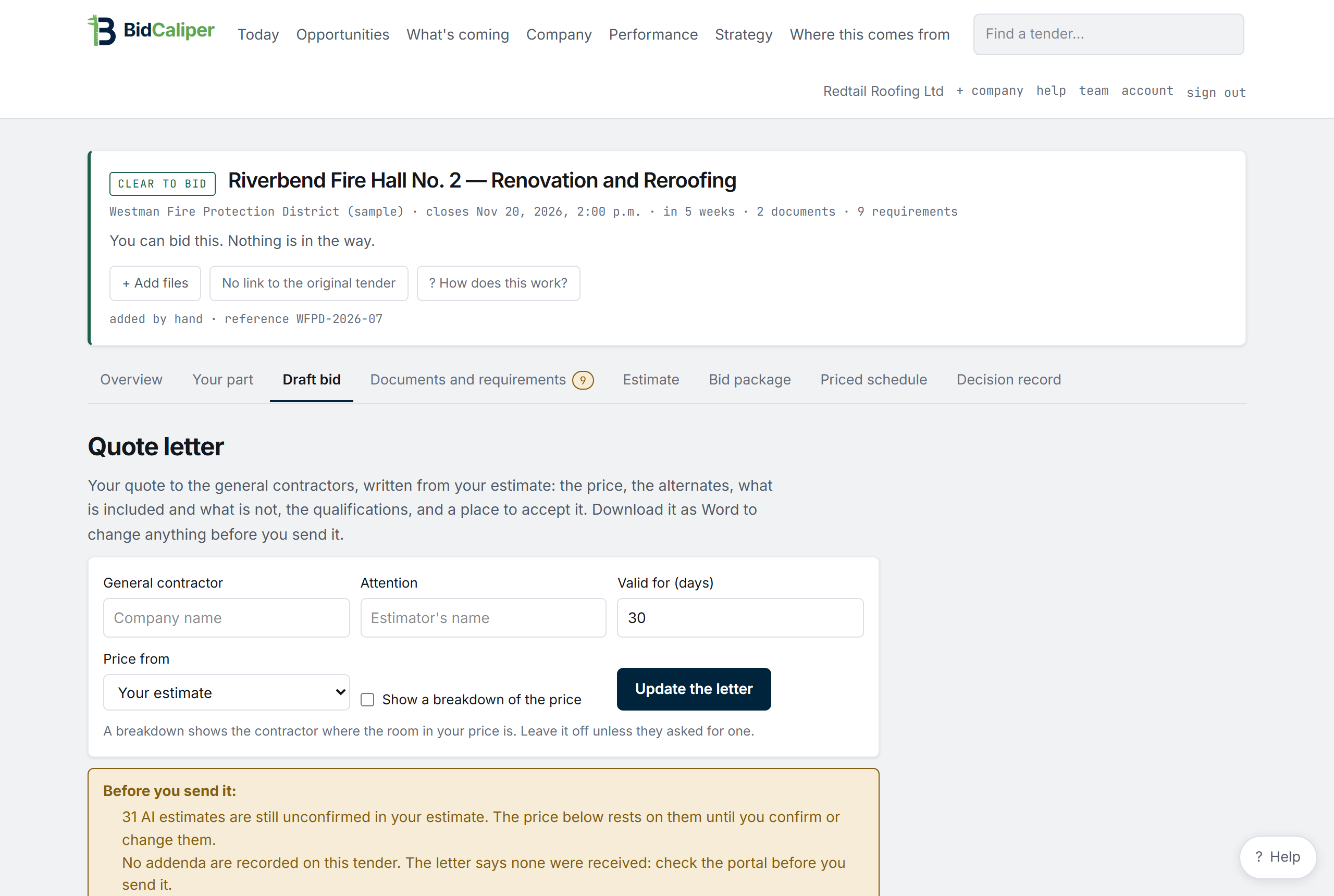
- The draft is built from the tender's documents, a published Canadian union wage for your trade or your own rate, and estimated material, equipment and hours, each marked as an estimate
- Your contingency, markup, crew and travel allowances, set once for your company
- Bring the draft into your estimate, change any line and confirm each estimate before the bid is ready
- Download the draft as Excel, print it as PDF, and the quote letter as Word
- A draft is a starting point to check your price against, not a quote
Bring your takeoff as it comes
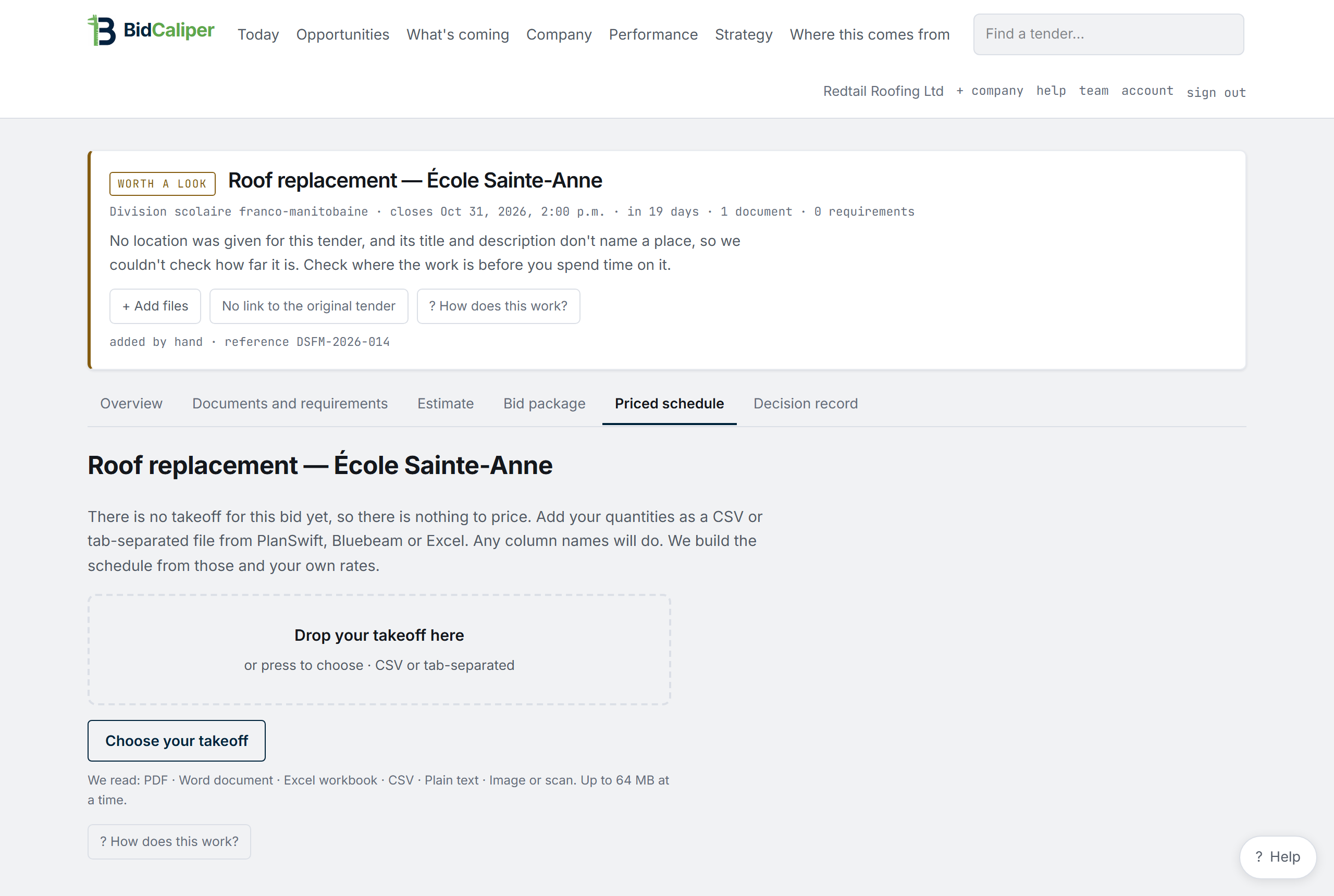
Drop in the export from PlanSwift, QuoteSoft, On-Screen Takeoff or ConstructConnect Takeoff, in Excel or CSV, and your quantities are priced at your own rates. No reformatting, no template.
- Folders, subtotals and repeated rows are recognised and left out
- QuoteSoft's labour hours come through, per unit or in total, as the file has them
- If the file states its own total and the lines do not add up to it, nothing on the bid is changed
- Any other Excel or CSV table with a description and a quantity works too
Know what changed, and what it means for your bid
A buyer can issue three addendums in two weeks. Each has to be acknowledged on the bid form. A bid that acknowledges two of three is thrown out on compliance, and nobody tells you which one you missed.
The original requirement, as it stood when you first priced the job.
Both values side by side, with the clause quoted, and which earlier addendum it supersedes.
Your priced schedule, your bond and your acknowledgements are marked out of date. Nothing is recalculated for you.
- Received, read, reviewed and acknowledged are tracked as four separate steps
- One line on the tender and on the package: current through addendum 3, or exactly what is still to do
- It will not re-price a revised drawing for you. A person does that
- If two documents disagree about a date and we cannot tell which is right, it says so and asks you to check. It does not pick one
Addendum tracking is part of the Bid and Win plans.
BidCaliperOpportunitiesWhat's comingAdd a tenderCompanyDecision recordYOUR COMPANYAn illustration of an addendum and what it changed. The values are examples.
The dates that can end a bid
Closings, question deadlines, registration windows and mandatory site visits, in one list, for every tender you are looking at.
The site visit is the one that costs people work. It is often three or four days after the notice appears. If nobody from your company attends, your bid cannot be accepted.
BidCaliperOpportunitiesWhat's comingAdd a tenderCompanyDecision recordYOUR COMPANYAn illustration of the deadline calendar. The dates and jobs are examples.
Built from what you’ve already saved
Your company details, your insurance certificate, your priced schedule, your certificates. Anything missing is listed as missing. Nothing is filled in with a guess.
The package says which addendum it is current through, on the sheet itself. It never submits anything. There is no button or setting that does. You sign and send.
BidCaliperOpportunitiesWhat's comingAdd a tenderCompanyDecision recordYOUR COMPANYAn illustration of the bid package. The contents are an example.
What you decided, who decided it, and why
Bid, no bid, won or lost. Each one shows who decided, the date, and the reasons as they stood that day. You can print it.
A COR auditor asks how you consider safety and legislative requirements before you take on work. The jobs you turned down are the evidence. In most companies there is no record of them.
BidCaliperOpportunitiesWhat's comingAdd a tenderCompanyDecision recordYOUR COMPANYAn illustration of the decision record. The jobs, names and dates are examples.
You stay in charge
The software does the reading and the arithmetic. Every decision, and every document that leaves your office, is yours.
- It reads
Every tender, every six hours, plus whatever you bring in.
- It checks
Against your company, with the clause quoted for every finding.
- You decide
Bid, no bid, or answer the question that sorts it out.
- You send
It prepares the package. It never sends anything.
Four things it will not do
These are rules built into the software.
Every finding shows its reason and the sentence from the document it came from.
When something is missing it says so. If it is unclear, it is “worth a look”, never “clear to bid”.
There is no button or setting that submits for you. You sign and send.
What you upload stays inside your company. An automatic test plants a dummy document and fails if another company can ever reach it.
See it against your own company
Three minutes to set up. Then it checks today's live tenders while you watch.